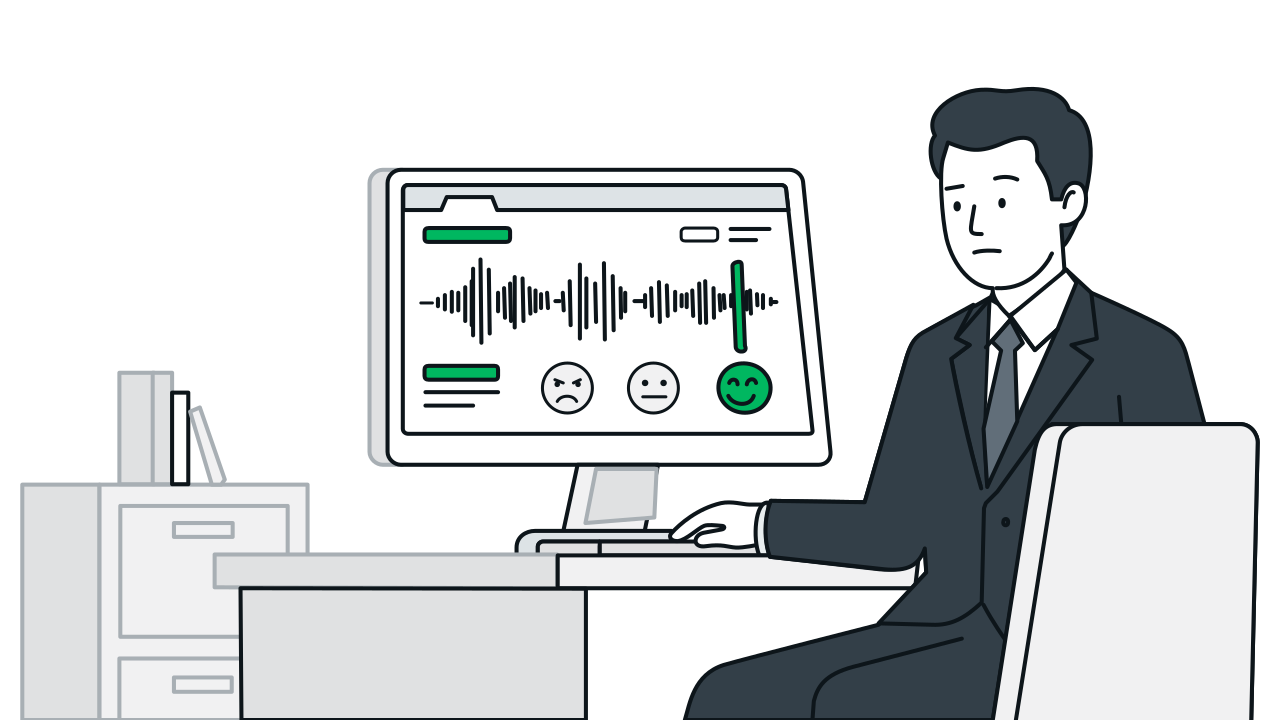
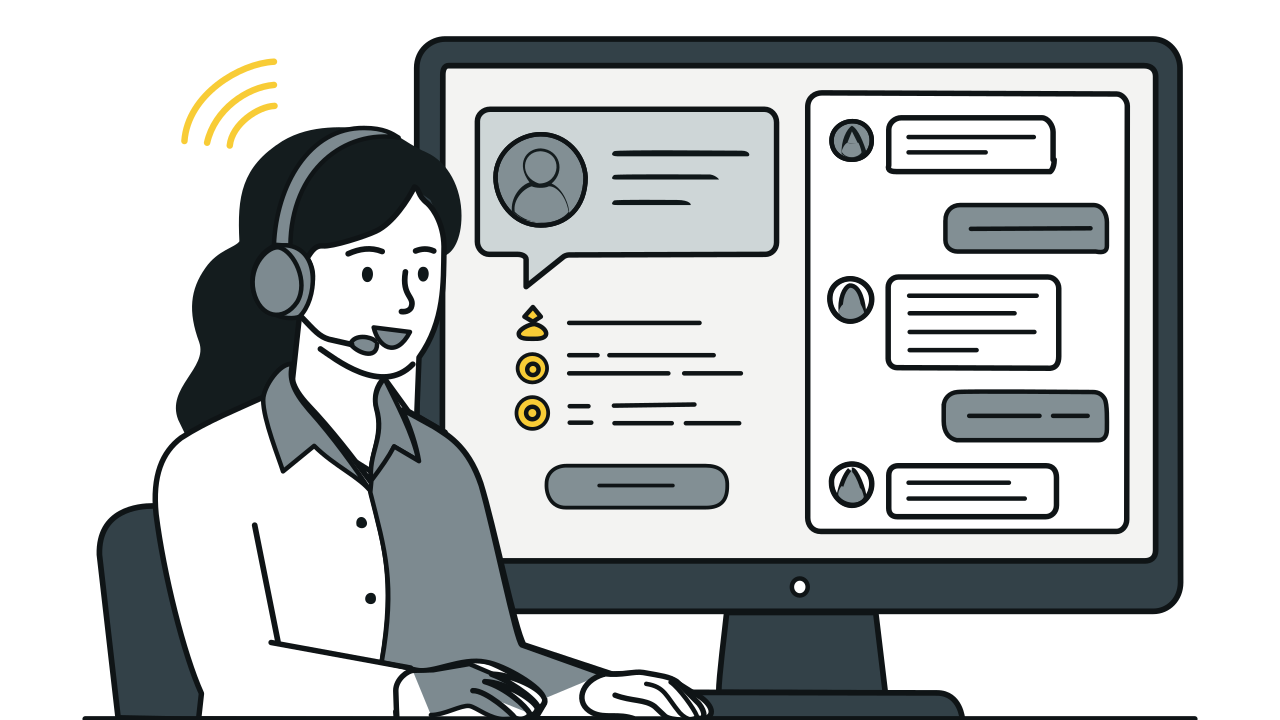
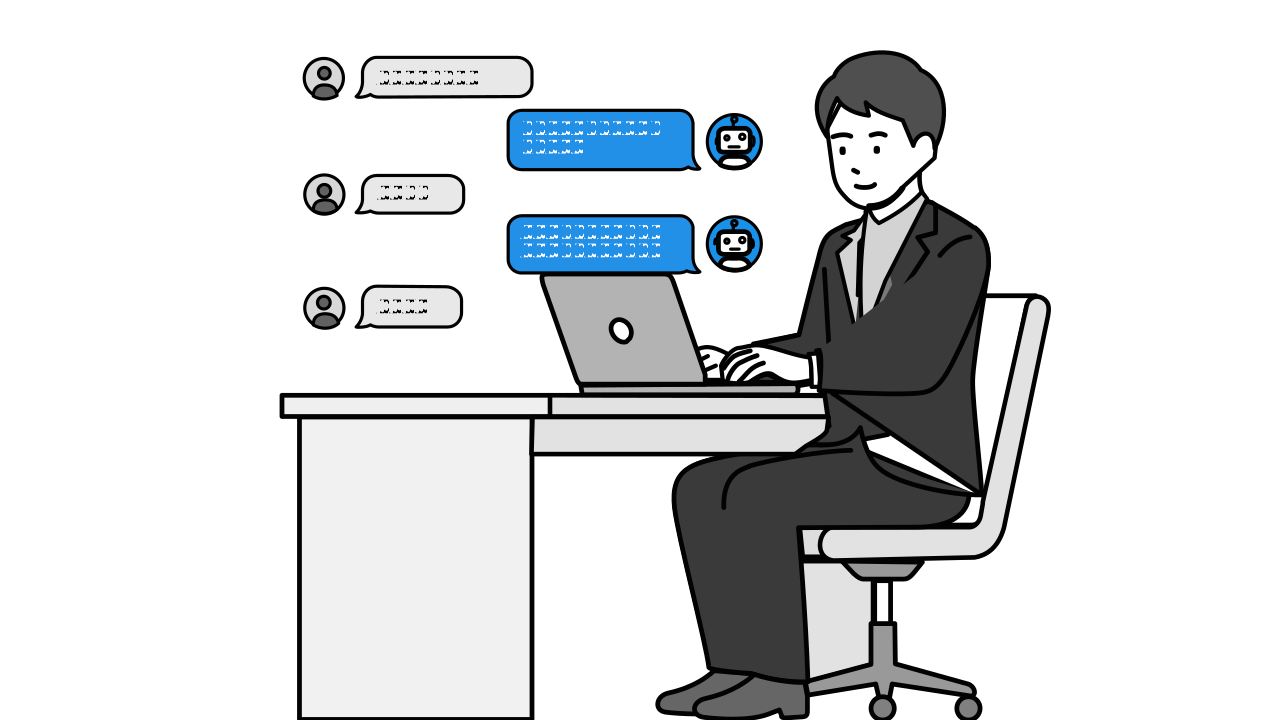
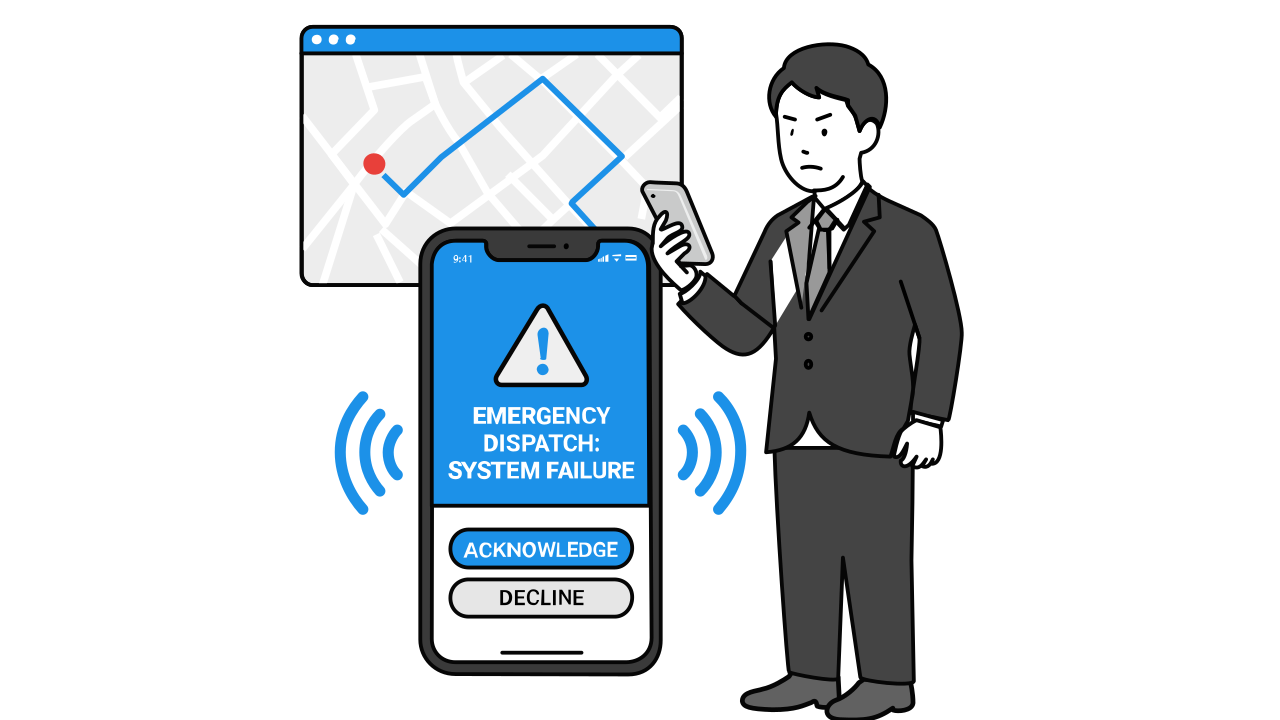
The system monitors three conditions at every turn: ① customer's question falls outside the AI knowledge base scope, ② customer explicitly requests a human agent, ③ emotional intensity exceeds the set threshold. Any condition met triggers the transfer process.
Human Agent Transfer
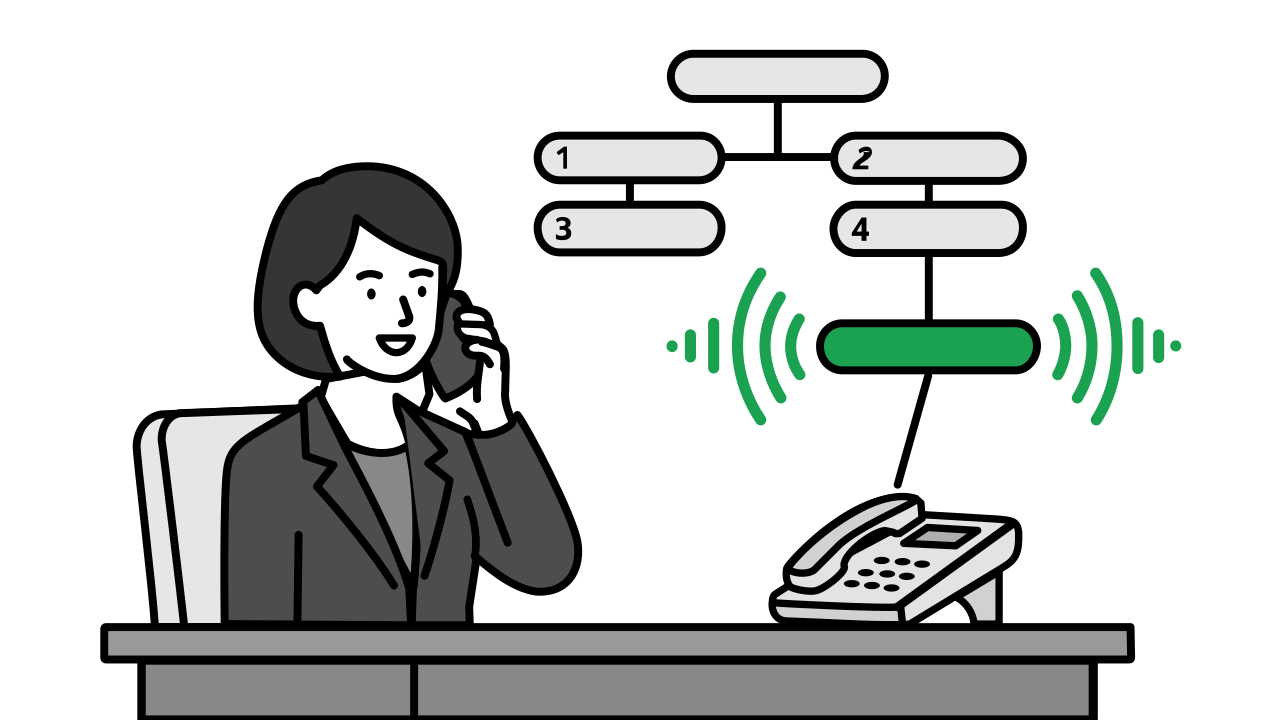
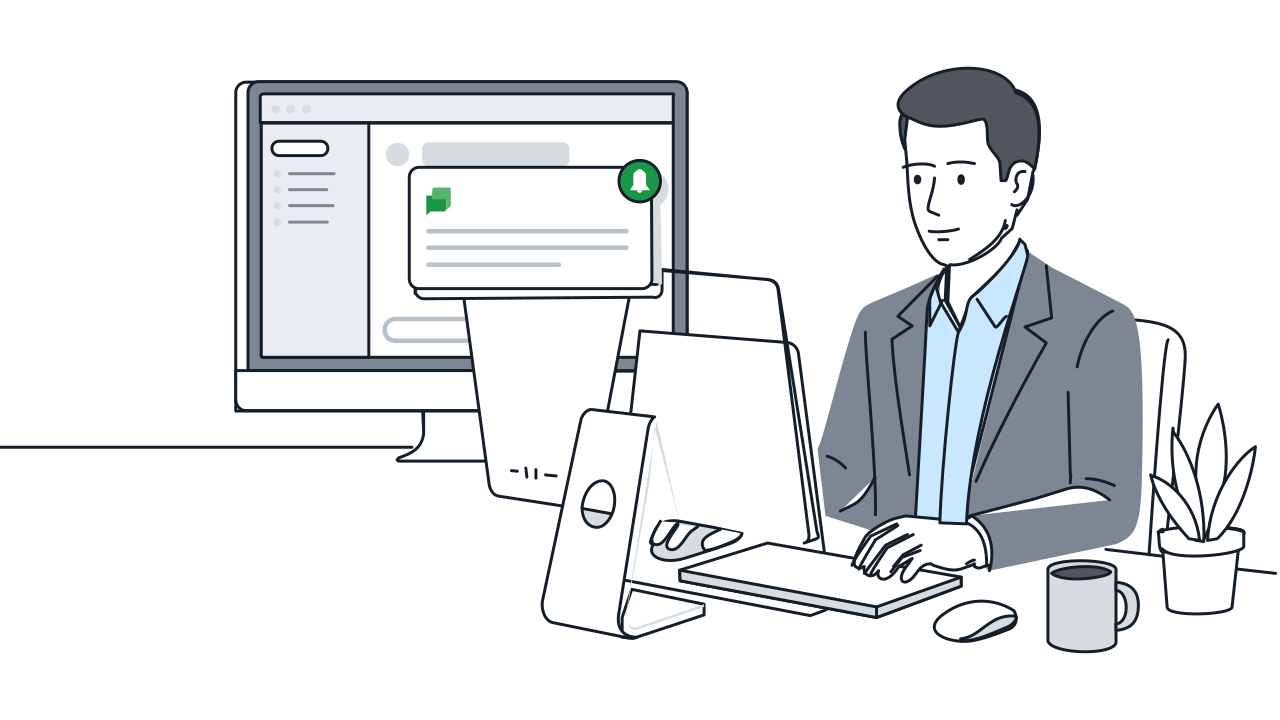
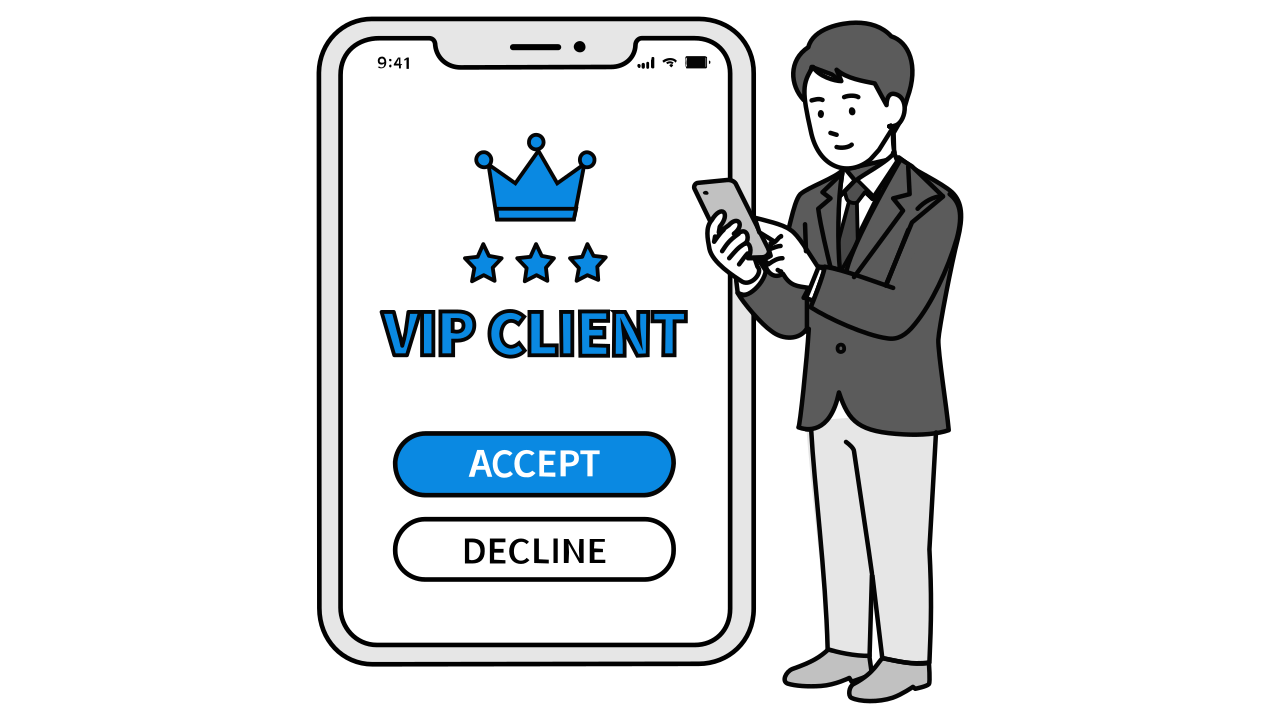
When AI reaches its limits, seamlessly transfer to a human—department or another AI. Before transferring, auto-notify via Google Chat so the agent is prepared before picking up.
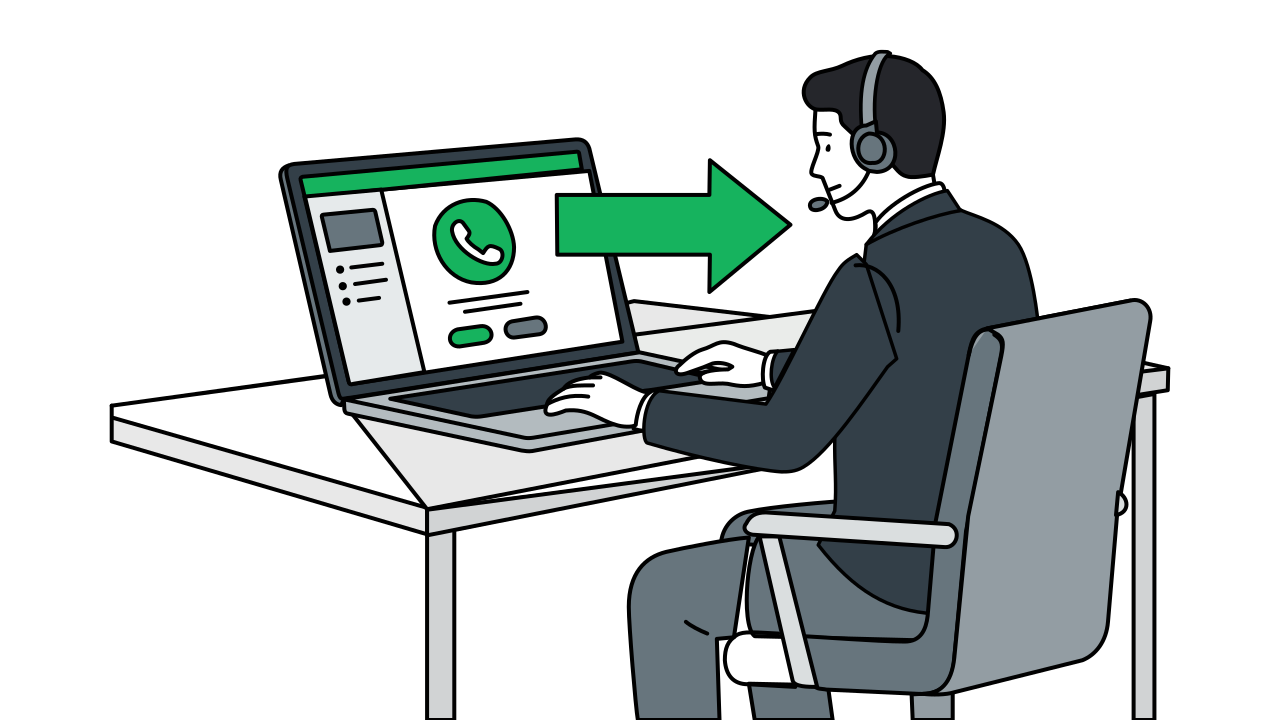
Human Agent Transfer Workflow & Features
Step 1 / 4
FAQ
A Google Chat message is sent containing the conversation summary, customer's main intent, emotional state, and relevant background information, so the agent understands the situation before picking up.
Yes. Transfer rules can be configured by department, specific person, or even by another AI agent. For example, appointment-related calls go to Booking AI, pricing inquiries to the sales team, and complaints to senior representatives.
The customer hears a brief hold prompt (e.g., 'One moment please, I'm connecting you to a specialist'). Actual transfer times depend on your phone system's SIP Trunk settings, typically completing within a few seconds.