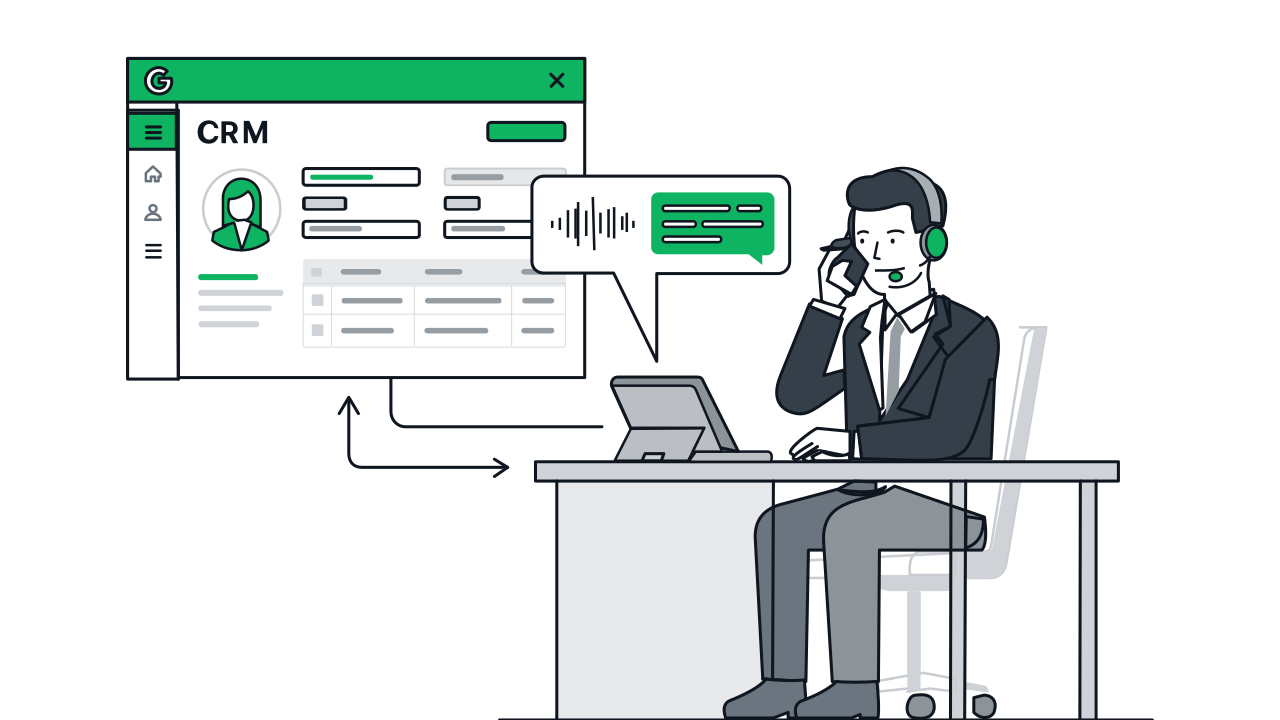
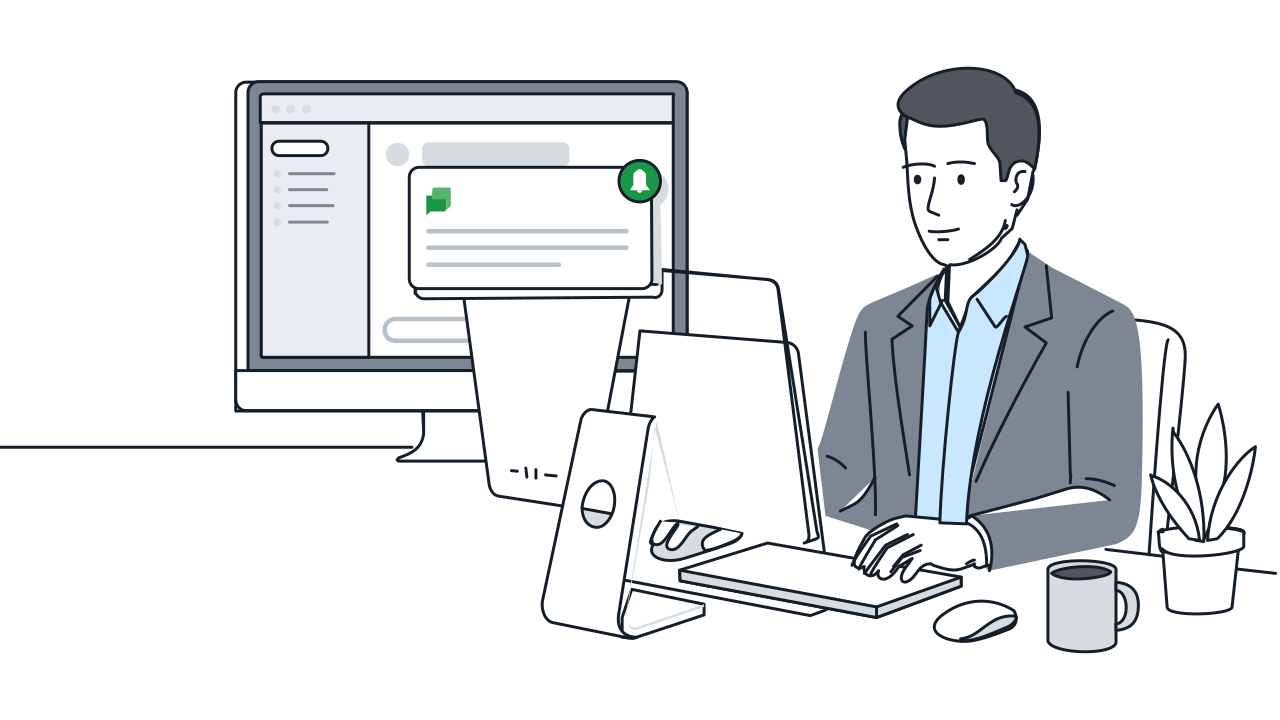
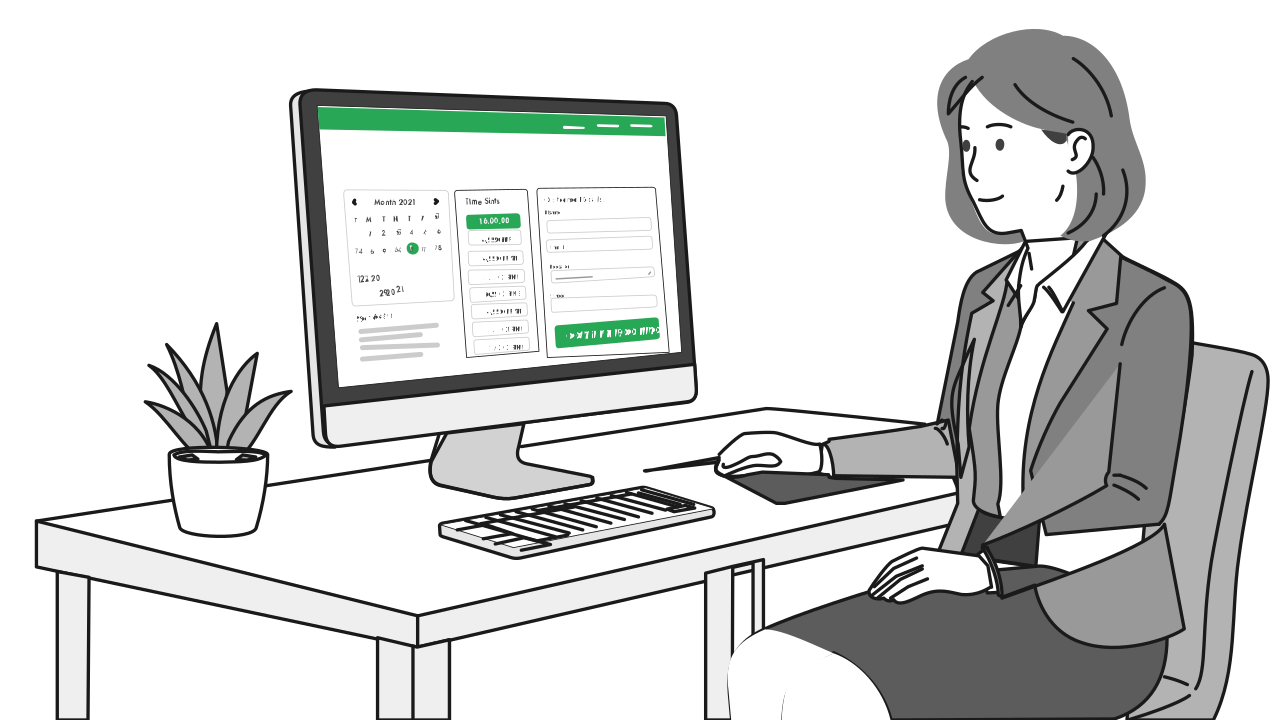

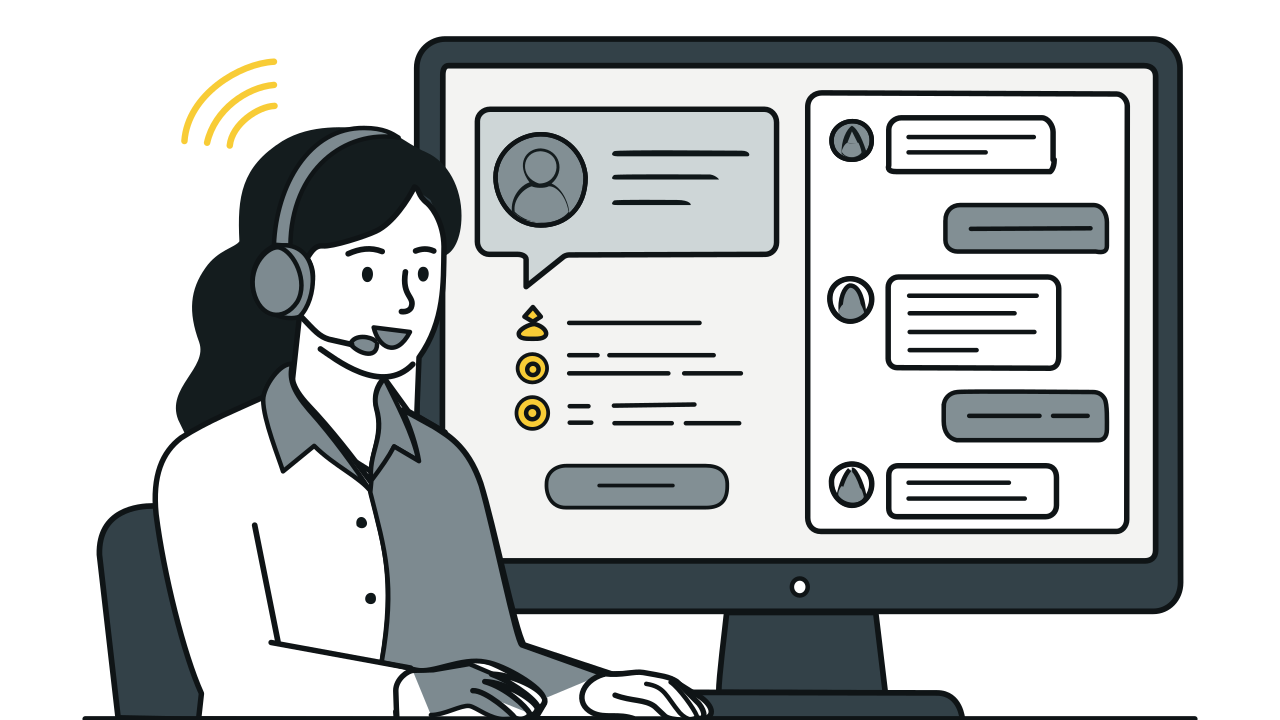


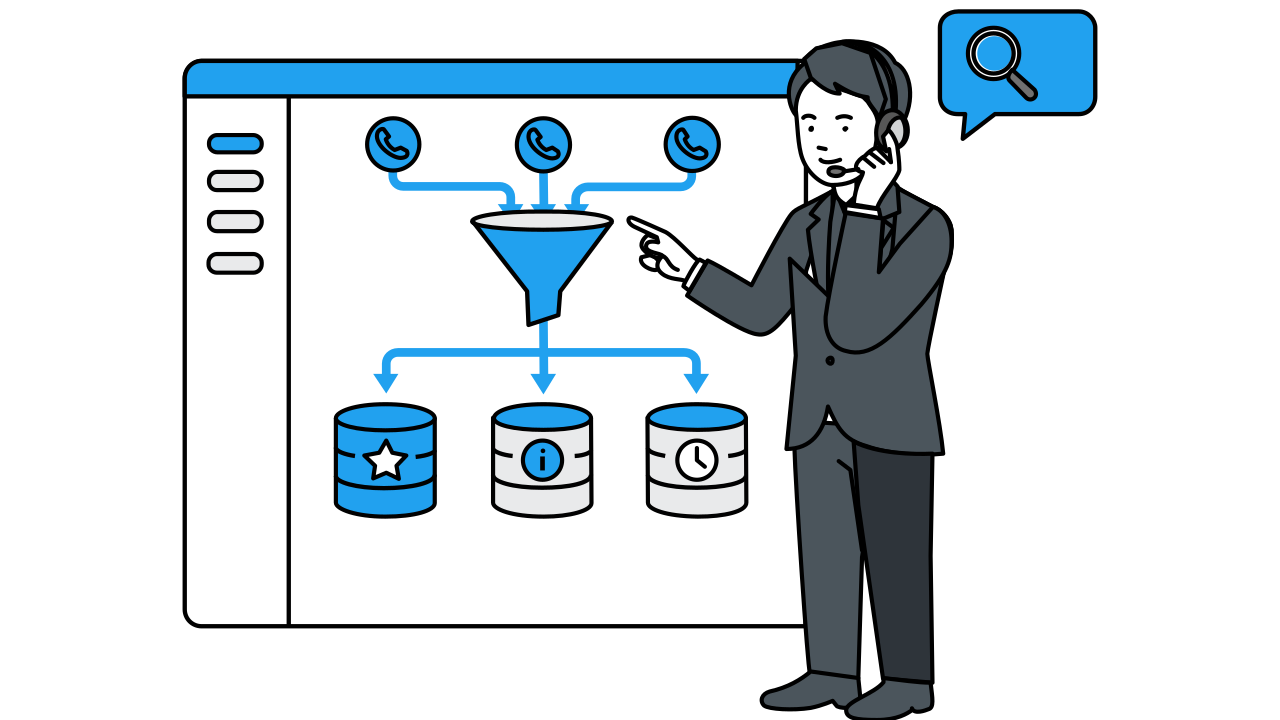
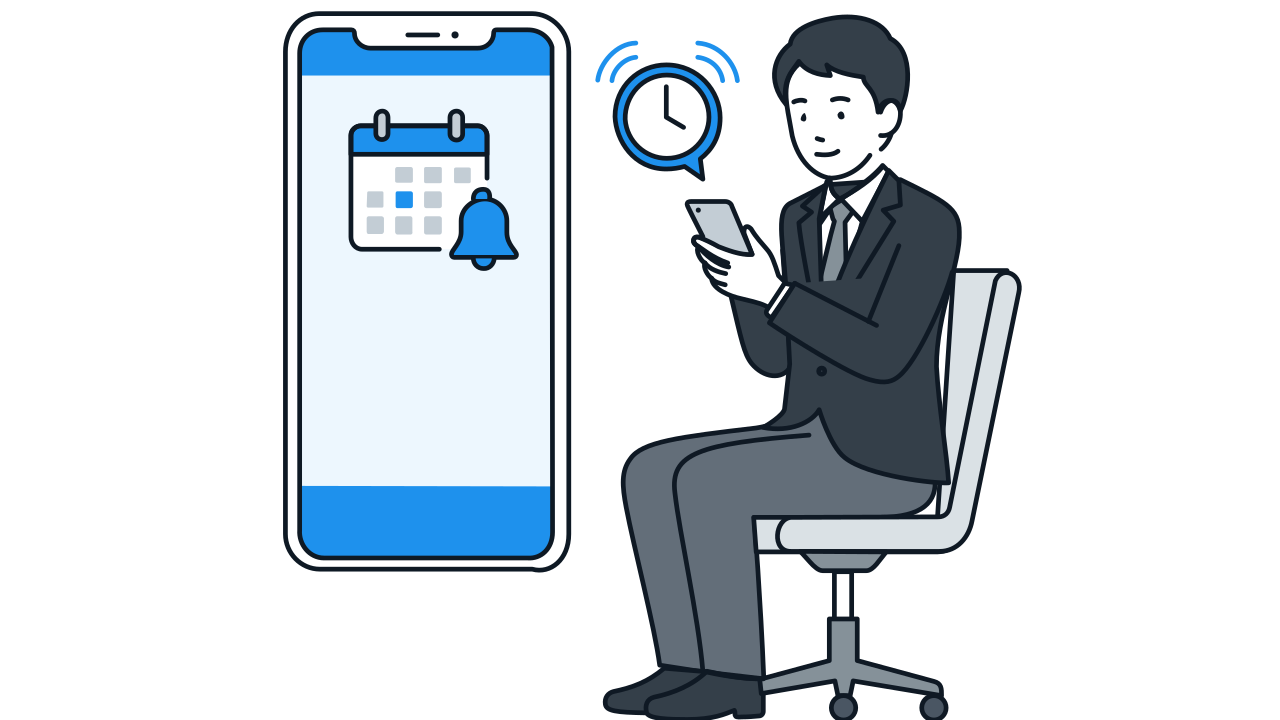
Common automated actions include: writing structured data to CRM, pushing call summaries to Google Chat or Slack, auto-creating booking or task entries, sending confirmation SMS, and triggering the next outbound call task. Actions can be flexibly configured based on your business needs.
Automation / AI Agent
Phone calls aren't just conversations. After the call ends, AI automatically executes follow-up business processes—making every call the starting point of a workflow.
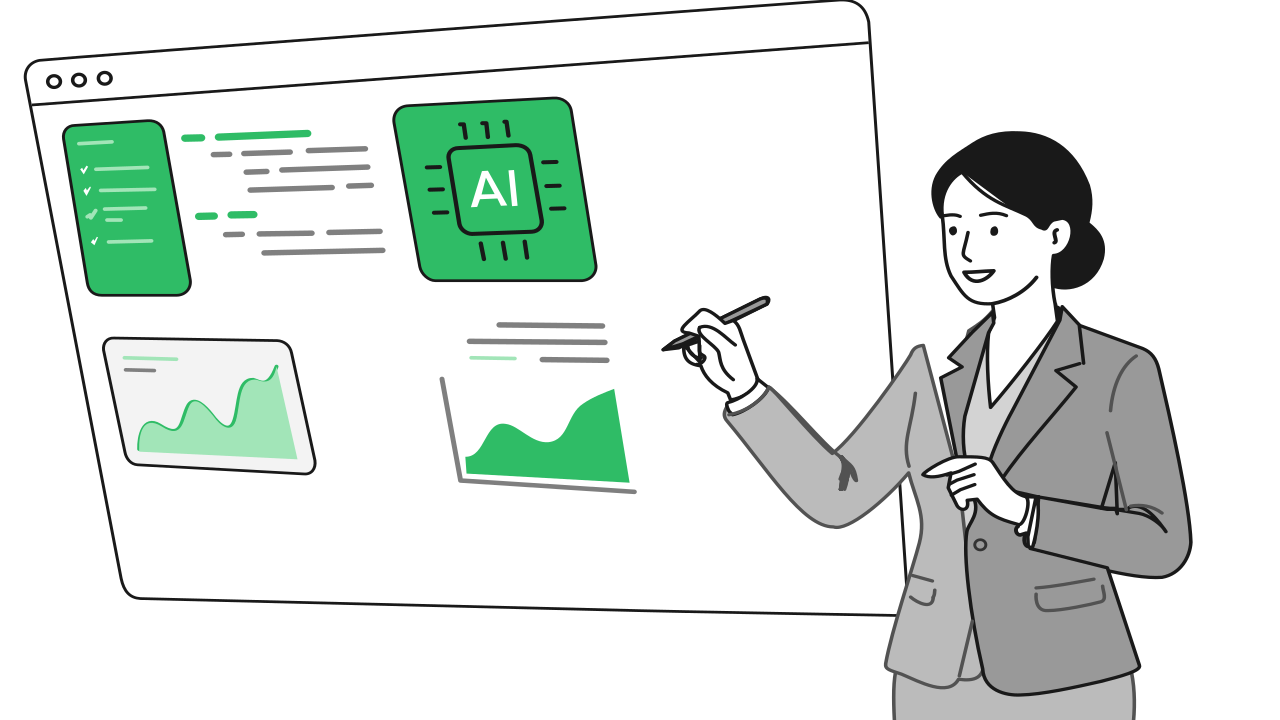
Automation / AI Agent Workflow & Features
Step 1 / 3
FAQ
In the Gemini AI agent's system prompt, you pre-define what information to extract and what conditions trigger which actions. For example, 'if the customer mentions wanting to schedule an appointment, extract the preferred date and time and auto-create a booking entry.' The AI executes these rules automatically.
Action execution rules can be set with confidence thresholds. Low-confidence results get pushed to human review via Google Chat rather than auto-executing. The prompt can also be optimized based on actual data to progressively improve accuracy.
Data is stored in your own GCP project—BigQuery, Firestore, Cloud SQL, and other options. You retain full data ownership and can use any analytical tool for subsequent analysis.