
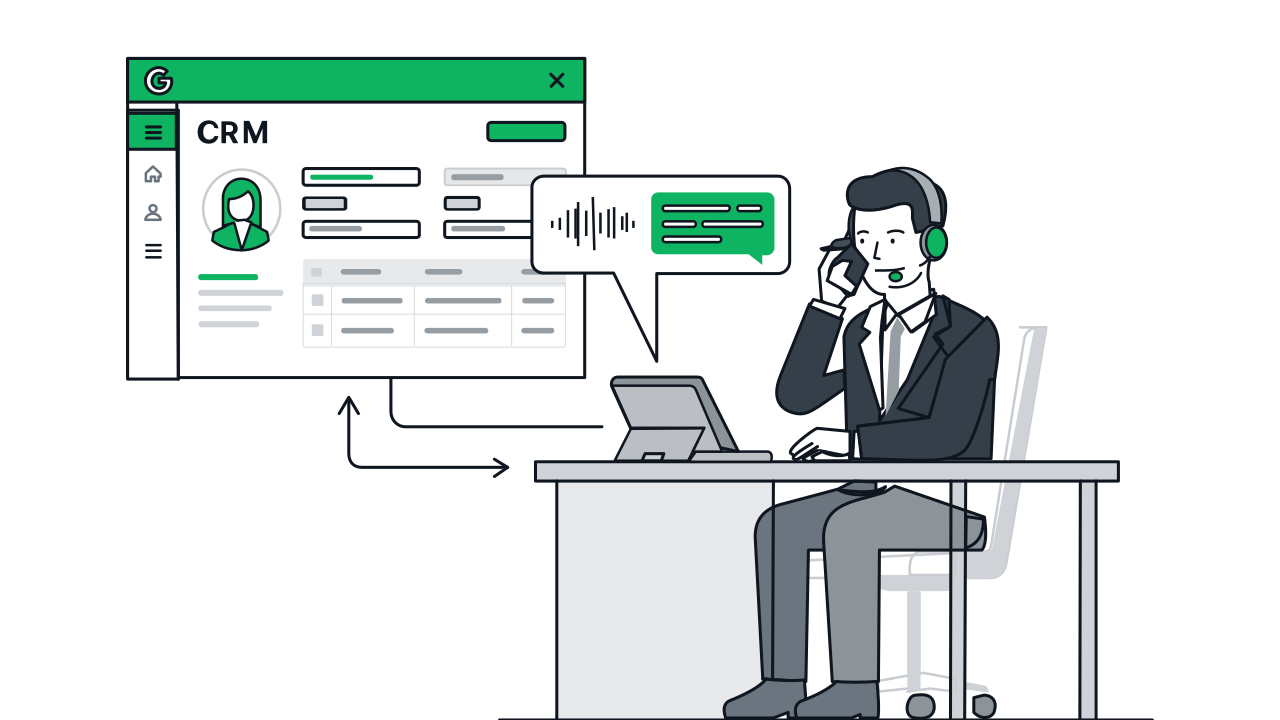



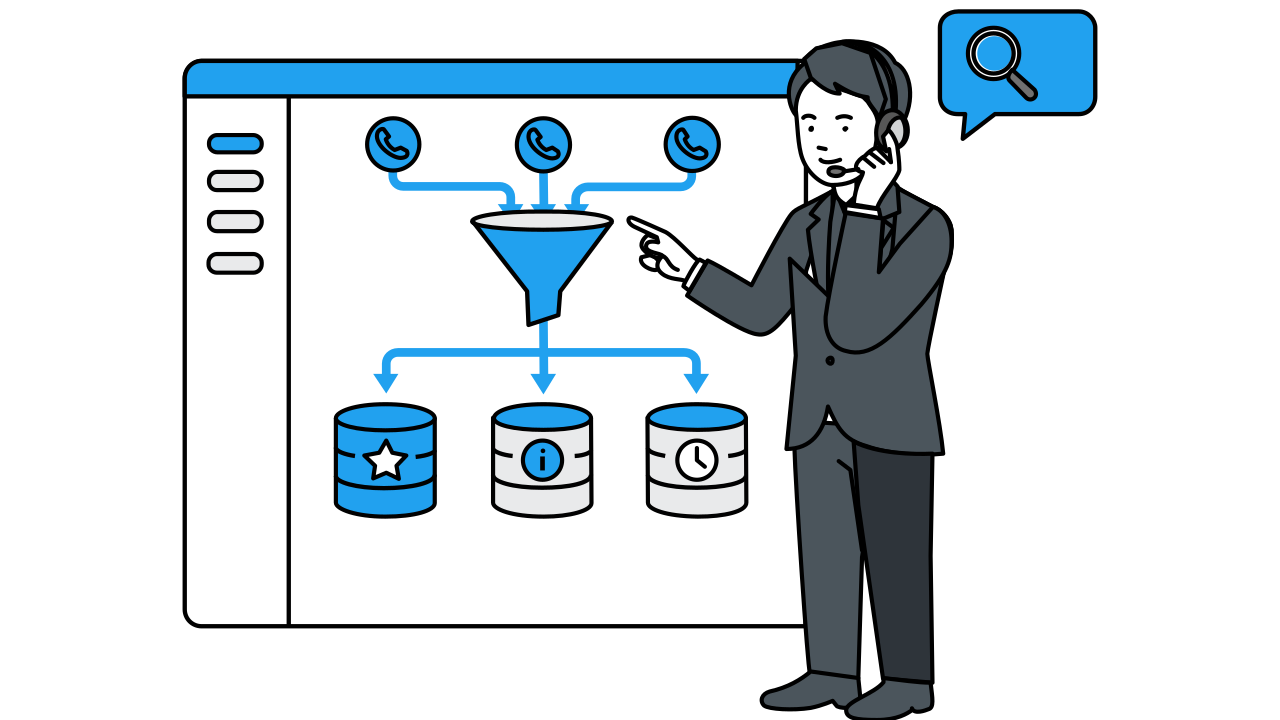
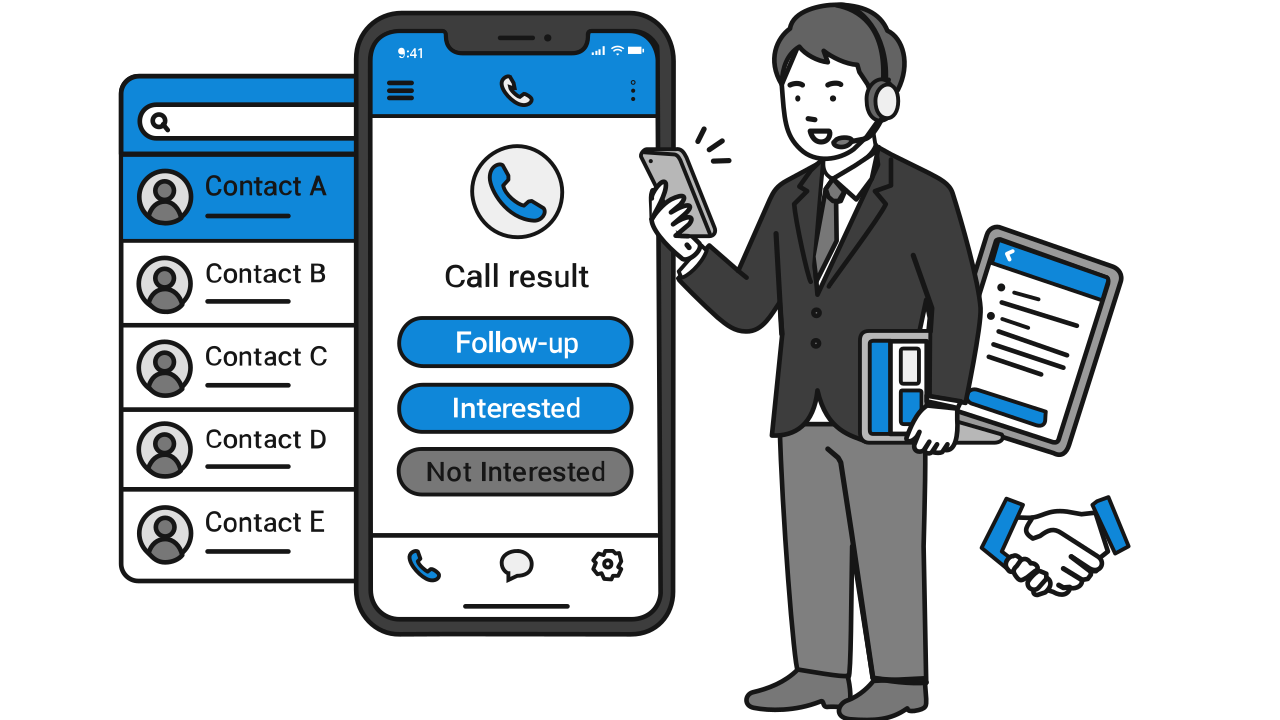

After the call ends, the transcript is auto-written to your BigQuery. Gemini then performs semantic and sentiment analysis, outputting sentiment labels, urgency scores, churn risk metrics, sales intent, and other structured data. All results are stored in the same BigQuery dataset.
Sentiment Analysis
Every call carries emotion. Gemini auto-quantifies customer feelings, surfacing churn risk, hot opportunities, and complaint warning signs in the numbers.
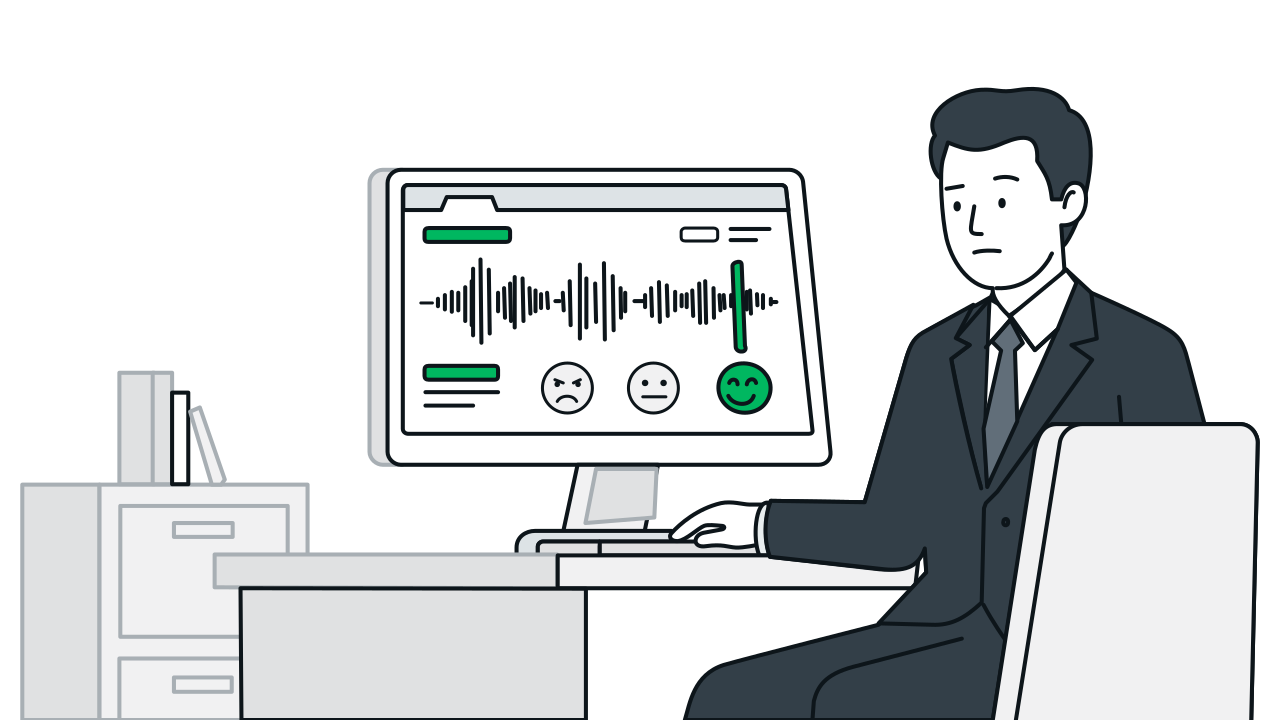
Sentiment Analysis Workflow & Features
Step 1 / 4
FAQ
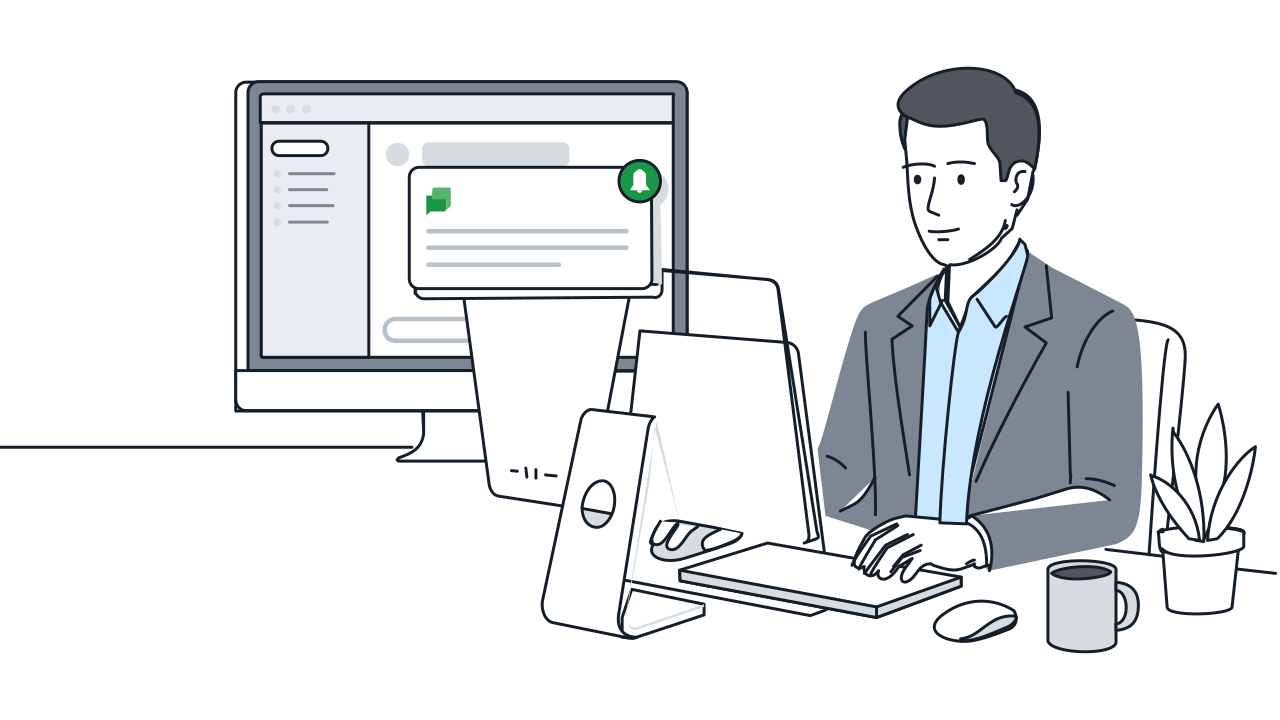
When Gemini detects a combination of negative sentiment × high urgency × churn-related keywords, it flags the call as high churn risk. The system auto-sends a notification to the responsible person while creating a follow-up task in CRM. Note: this risk determination is a Gemini inference result and differs from statistically calibrated machine learning model scores—please use it as a reference metric.
All sentiment analysis results are stored in BigQuery within your own GCP project. You can freely analyze them with any BigQuery-compatible tool—for example, Looker Studio, Tableau, Python, Google Sheets, etc. We do not provide dashboard creation services; tool selection and usage are up to you.
Yes. Gemini aggregates topics and questions that trigger 'confusion' sentiment during calls, outputting a list of high-confusion-rate topics and unanswered questions. This data directly serves as the basis for FAQ updates and RAG knowledge base expansion, effectively improving AI's automated resolution rate.