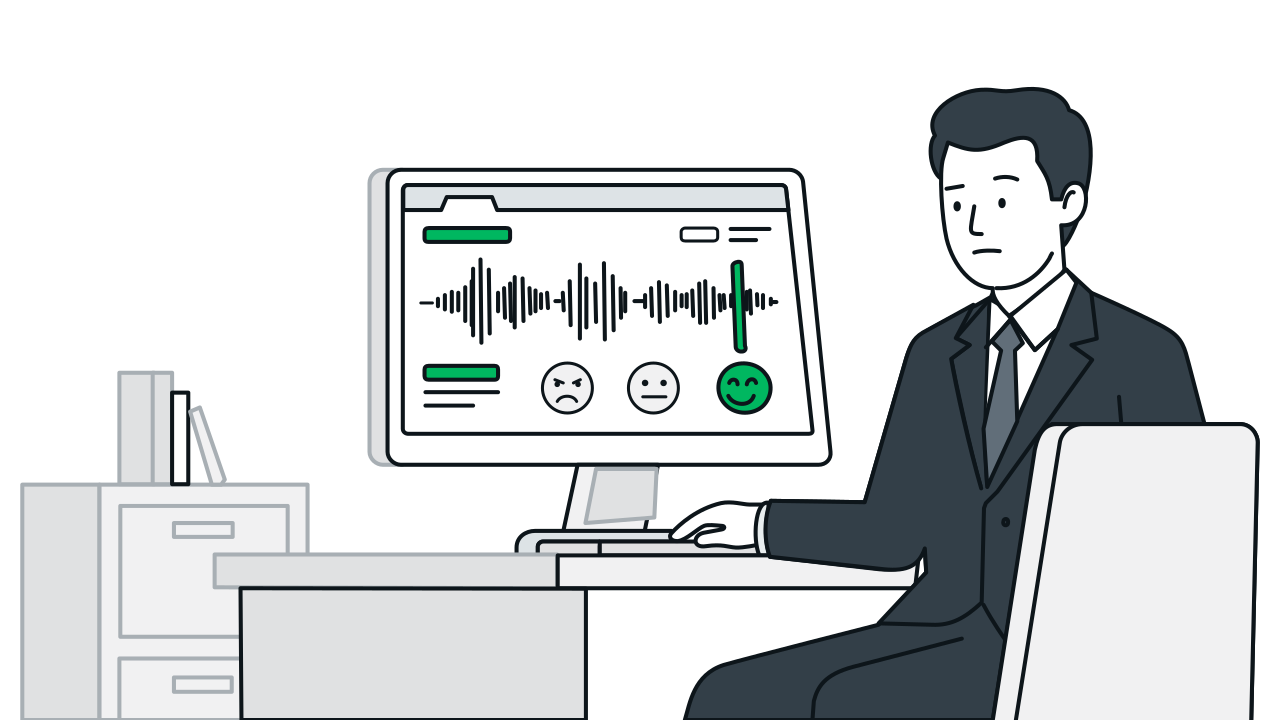
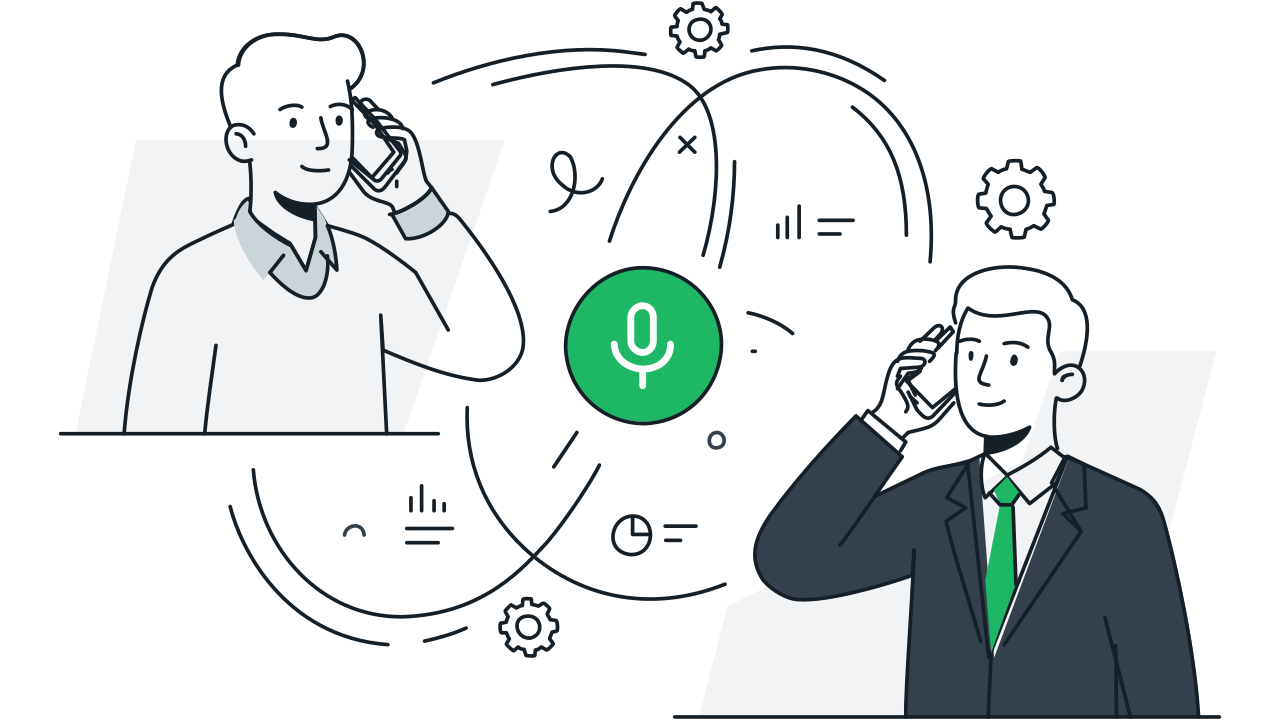
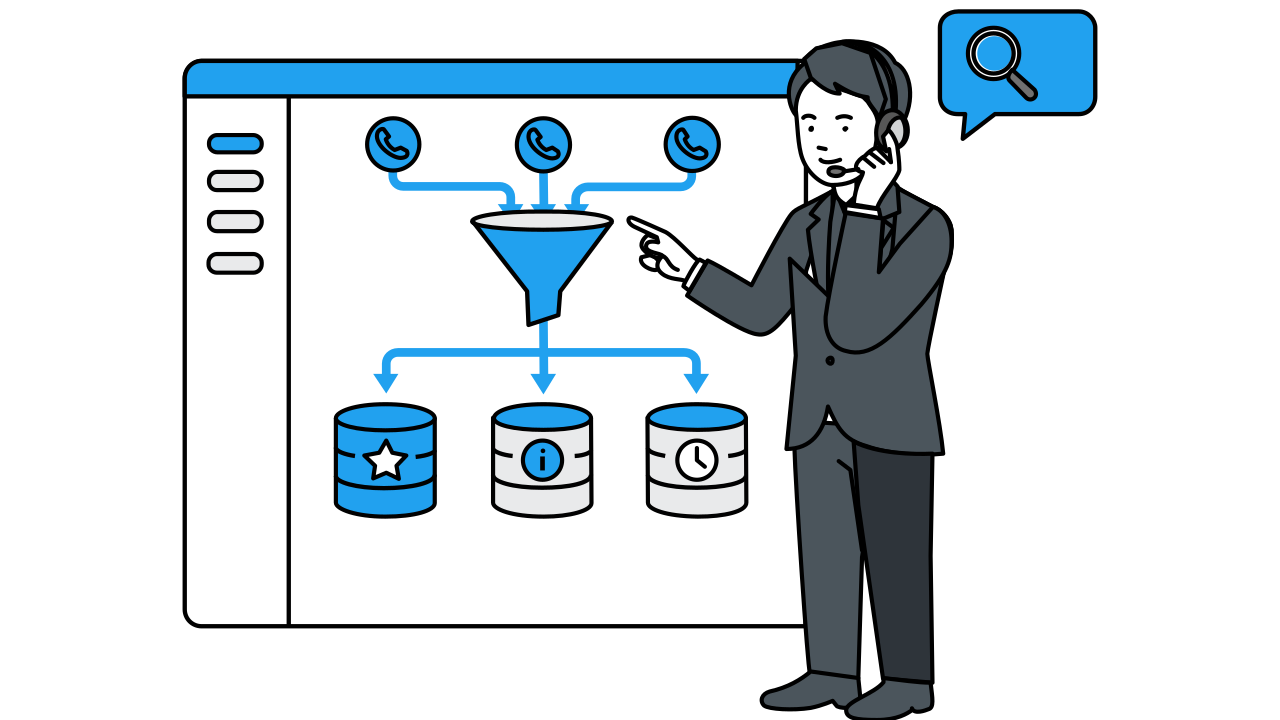
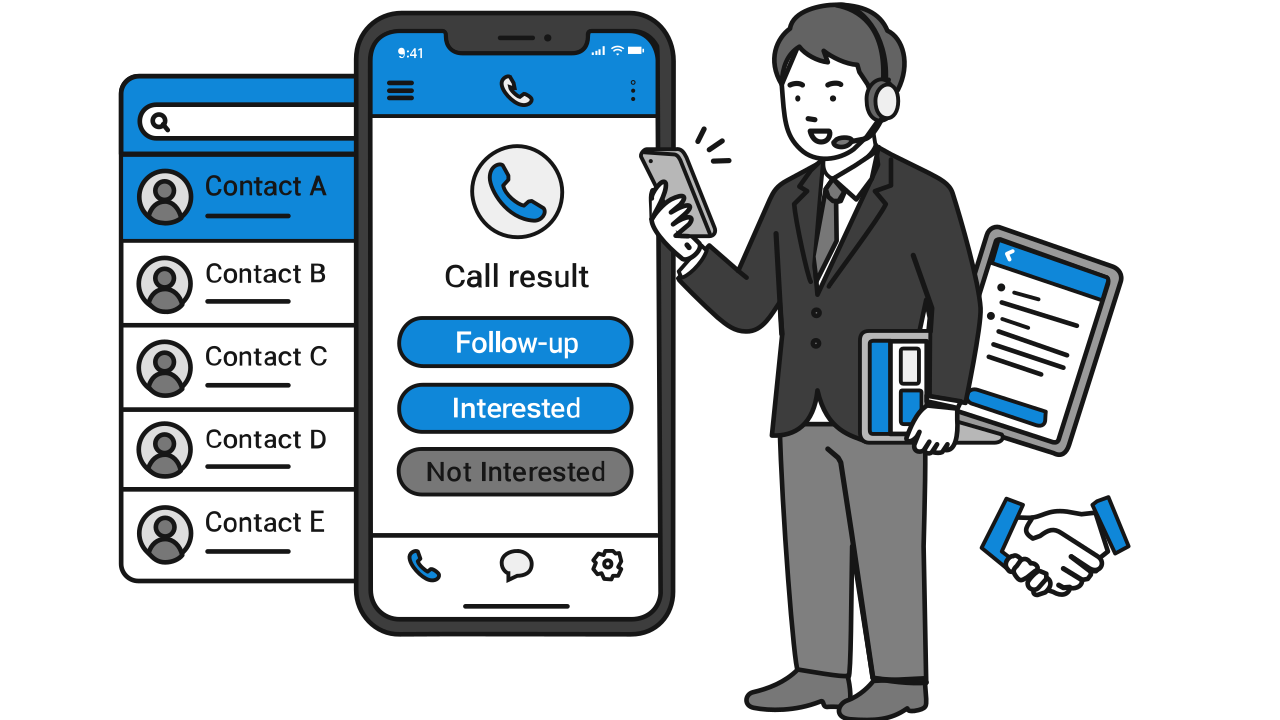
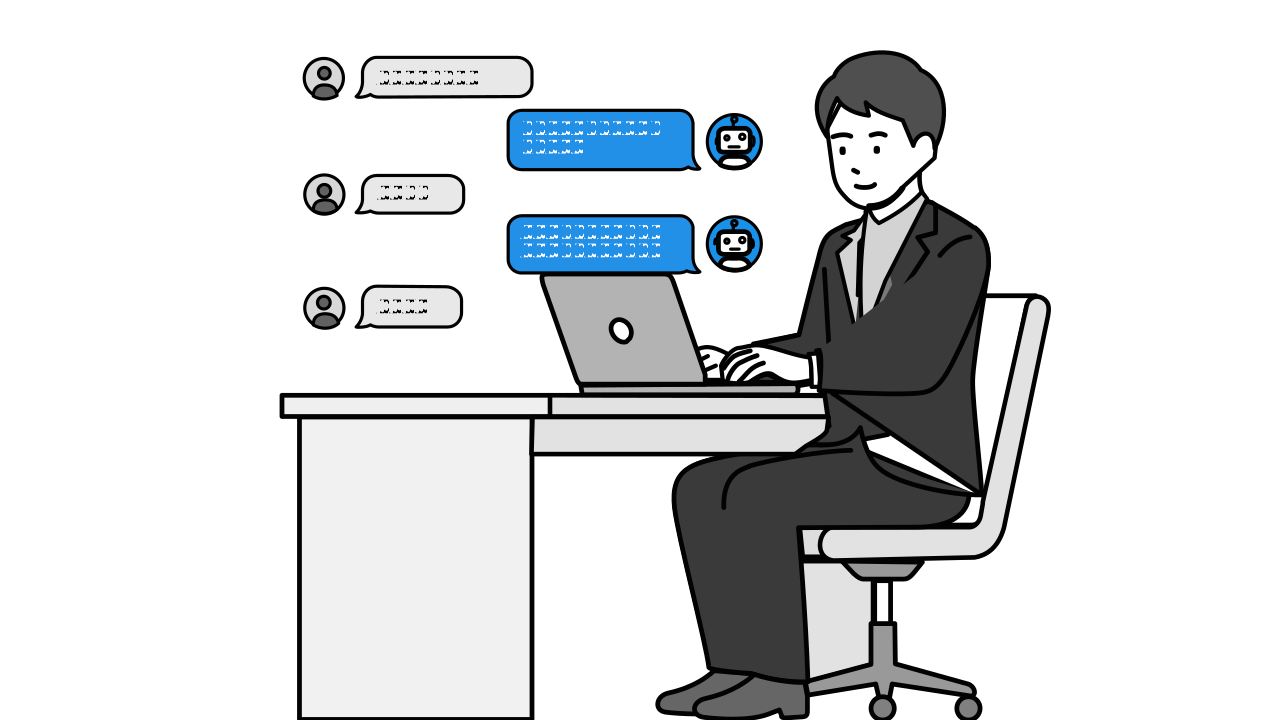
After a call ends, the transcript is auto-written to BigQuery. Gemini then performs semantic analysis on the content, auto-determining categories and applying tags based on preset classification rules. Classification rules can be customized according to your business needs.
Call Content Classification / Tagging
Every call is data. Gemini auto-classifies and tags, turning call records into assets that drive business decisions.
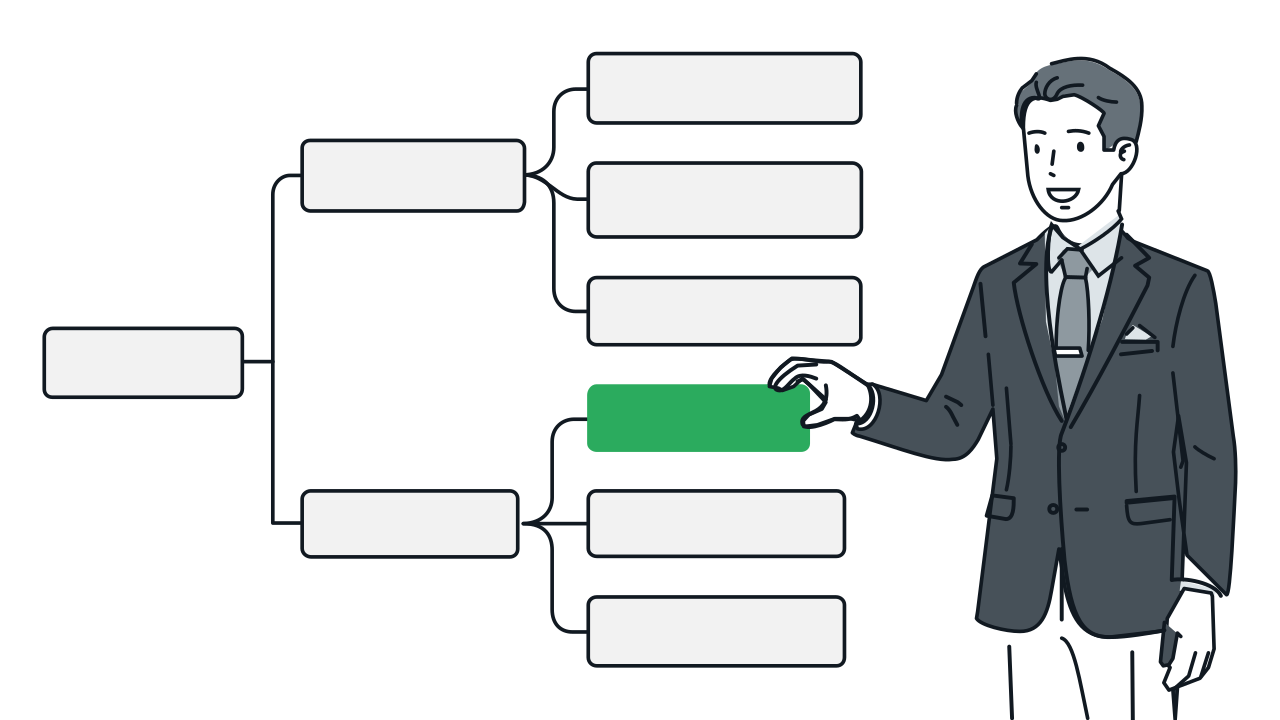
Call Content Classification / Tagging Workflow & Features
Step 1 / 4
FAQ
Tag content can be freely configured according to your needs. Common examples include: issue type (new customer inquiry, complaint, cancellation discussion), opportunity grade (high potential, under evaluation), and risk flags (urgent processing, compliance anomaly). Initial setup is assisted by our team.
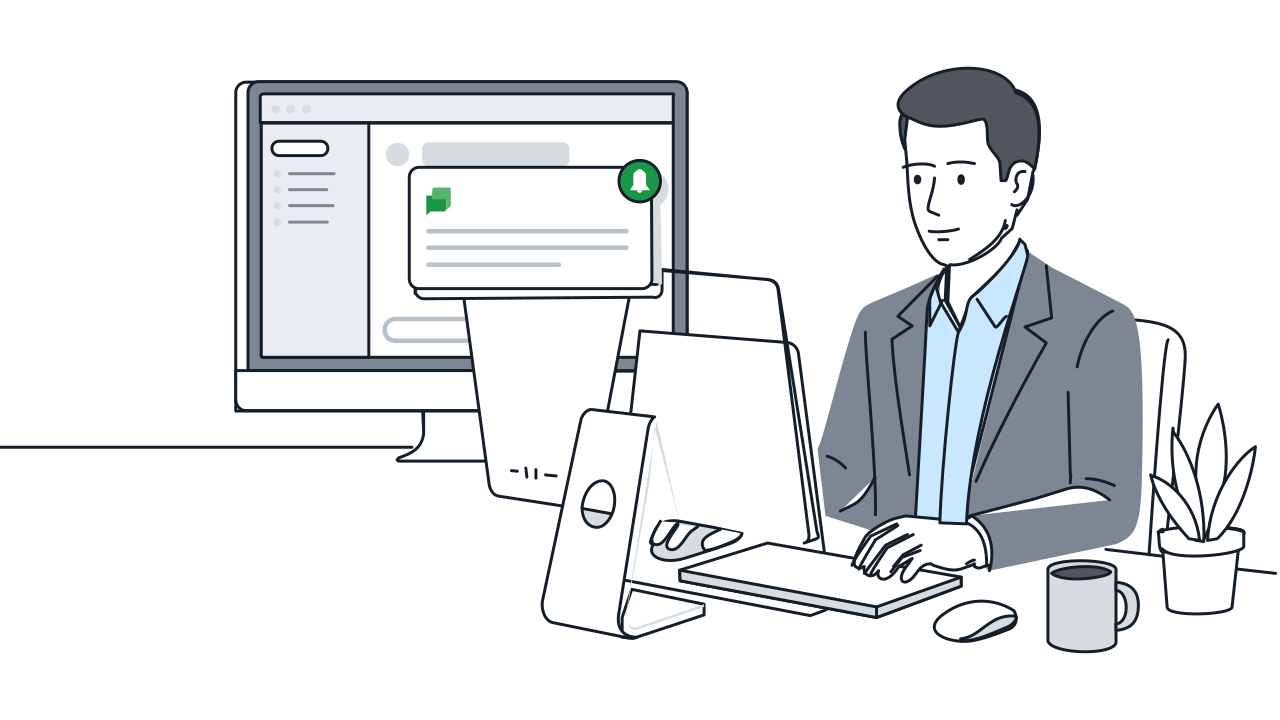
Based on tag content, the system can auto-execute follow-up workflows—for example: 'Complaint' tags auto-send Chat notifications to managers, 'High potential' tags auto-create CRM opportunity tasks, and 'Callback needed' tags auto-assign to the corresponding sales representative.
Call classification data is stored in BigQuery within your own GCP project. You can freely analyze it using any BigQuery-compatible tool, such as Looker Studio, Tableau, Python, etc. We do not provide dashboard creation services—tool selection and usage are up to you.