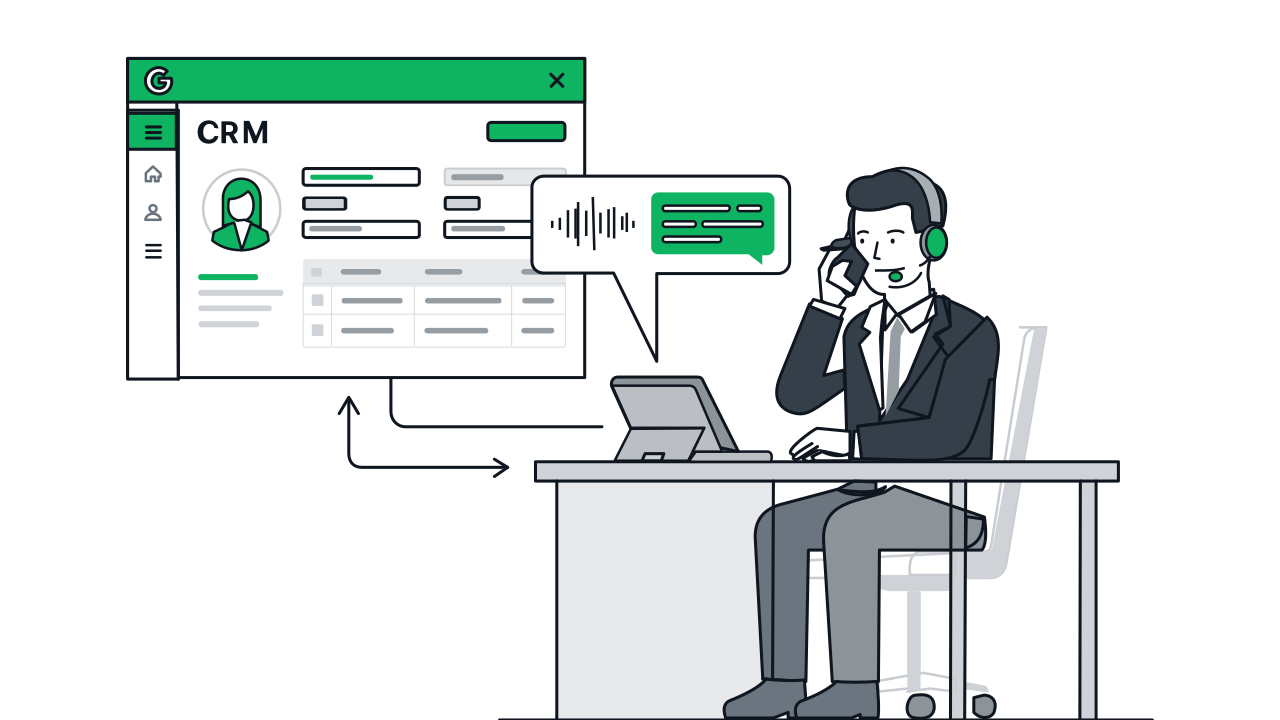







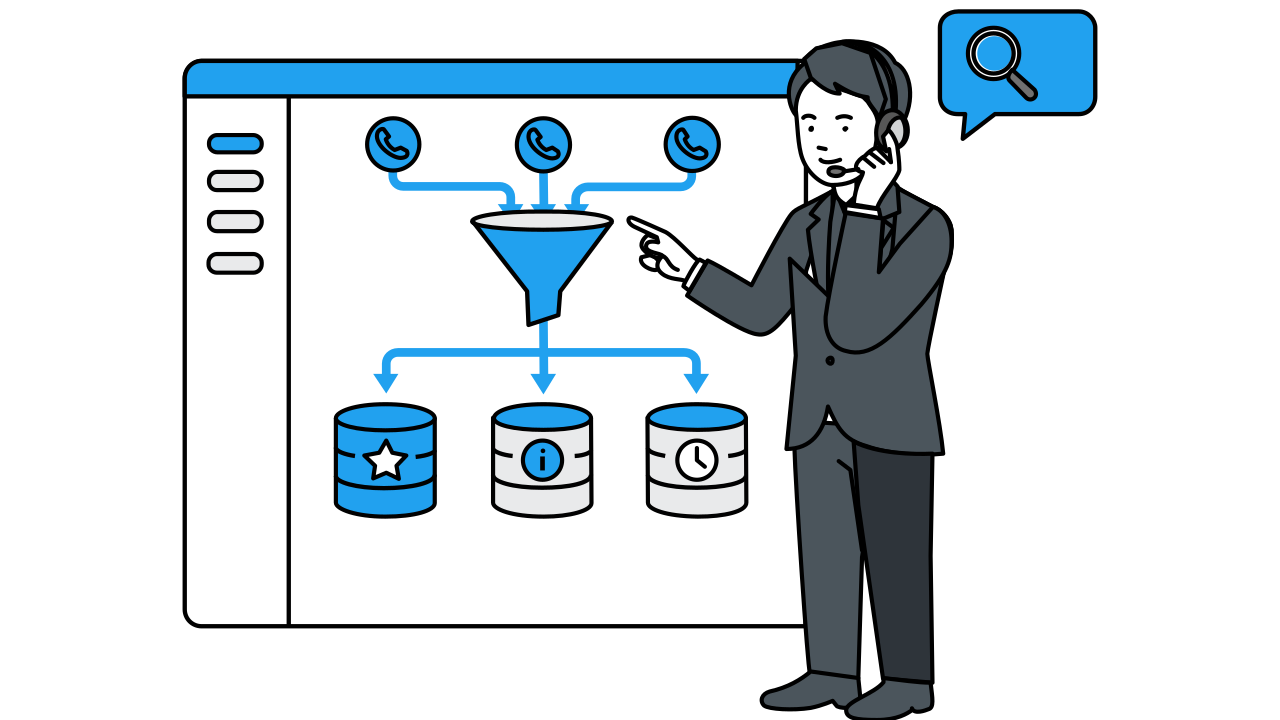
Function Calling is a Gemini capability that allows AI to automatically invoke predefined data structures when specific conditions are met during conversation, converting dialogue content into structured data. Designers only need to define 'which fields are needed, which are required'—Gemini automatically collects and fills in corresponding values during natural conversation.
Call Data Collection
The phone call is the form. AI naturally asks for required fields during conversation—customers just need to speak. Name, needs, and other structured data are auto-organized and synced to CRM in real time, eliminating all manual data entry.

Call Data Collection Workflow & Features
Step 1 / 6
FAQ
Yes. Required fields (e.g., name · phone · preferred date) and optional fields (e.g., notes · preferred staff) can be freely configured based on business needs. Gemini ensures all required fields are collected before ending the collection process; optional fields are not forcefully asked if the customer doesn't mention them.
Format validation rules can be set in field definitions—for example, 'phone number must be a valid format.' If the customer's answer doesn't match, Gemini naturally asks them to clarify—for example, 'Could you please tell me your phone number?'—rather than displaying an error message.
For customers, one phone call handles everything—no need to open a webpage, type text, or submit a form. For businesses, data is auto-organized by AI into structured format, saving manual data entry time and avoiding input errors. Especially suitable for elderly customers or non-digital-native users.
Gemini understands conversation context. If a customer says 'Actually, change that date to the day after tomorrow,' Gemini auto-updates the corresponding field value without needing to re-confirm from the beginning.