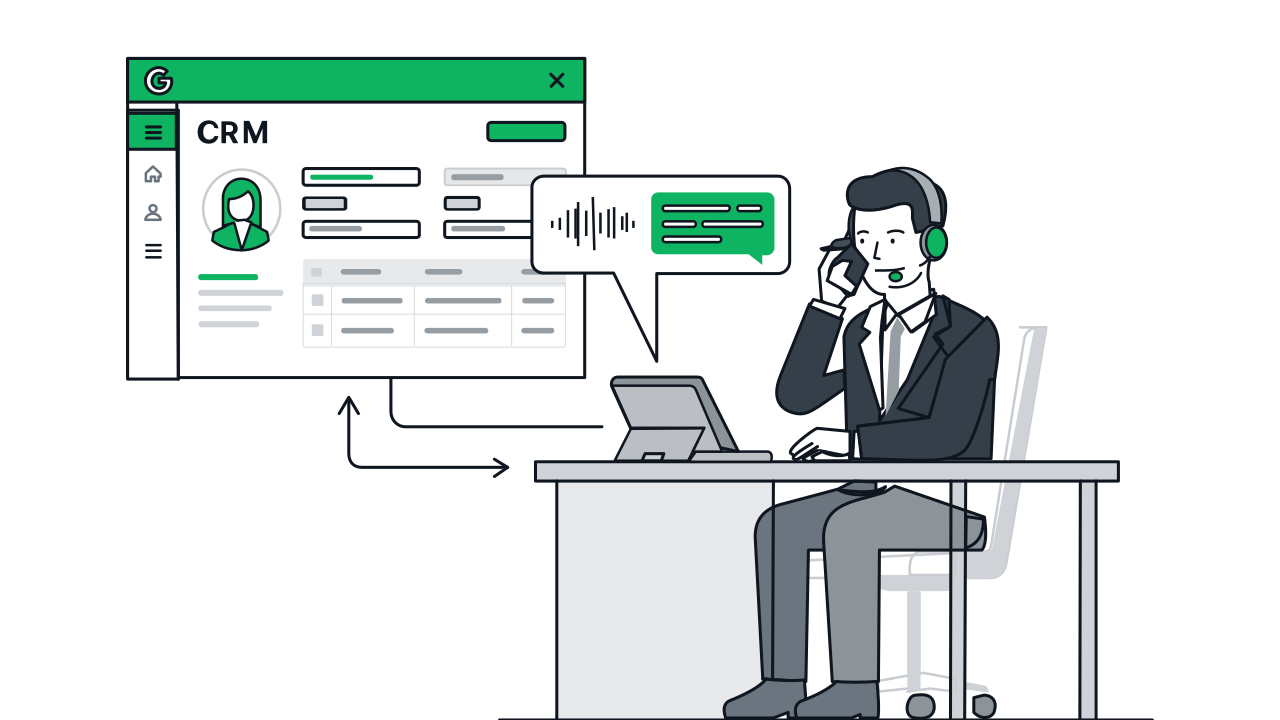
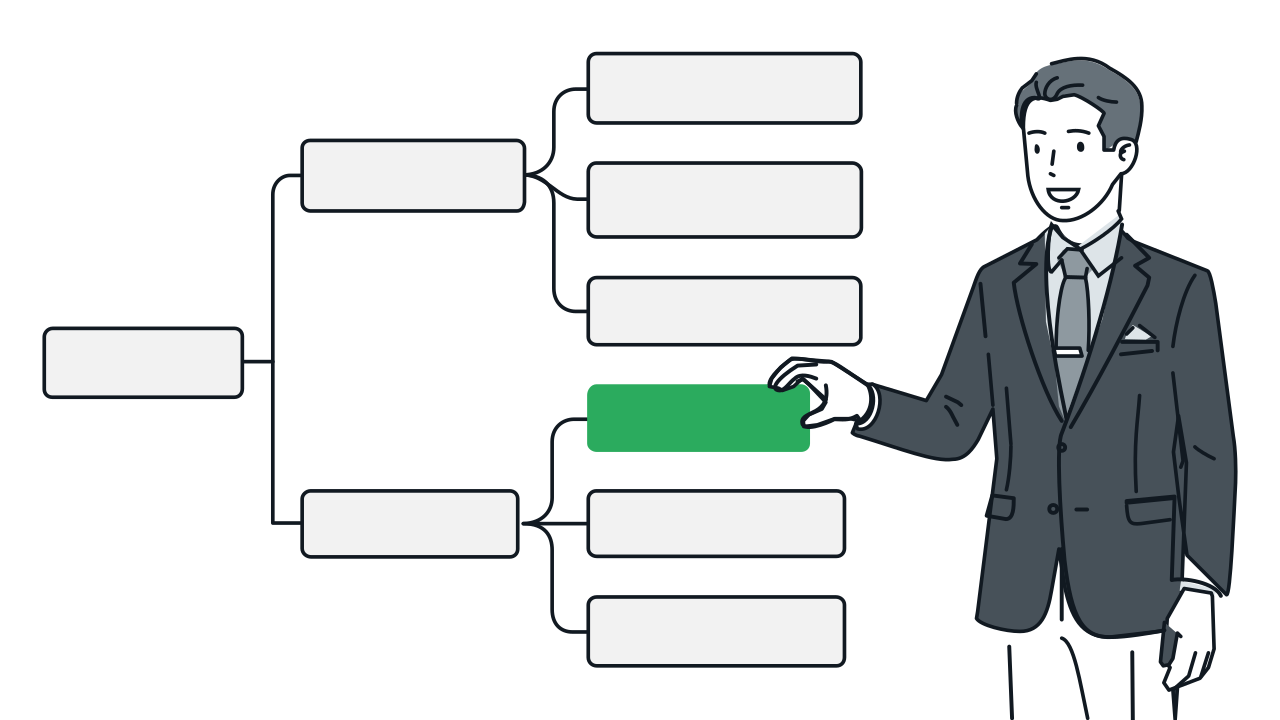


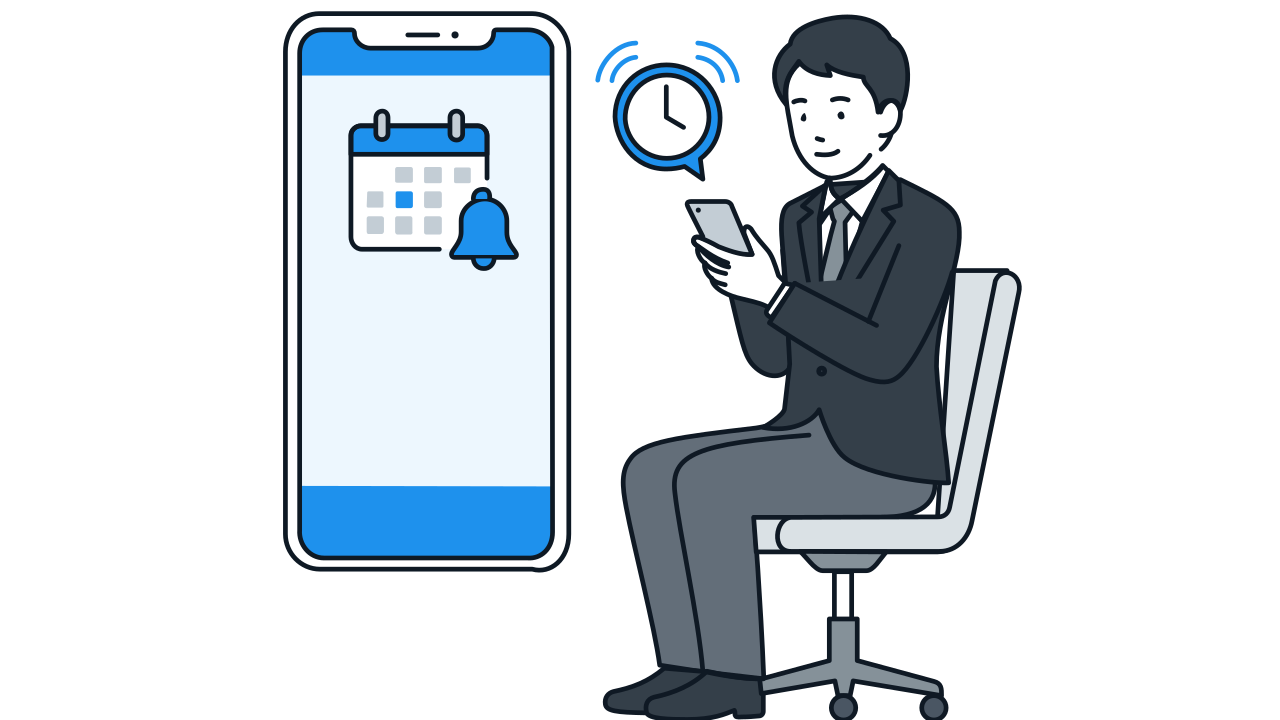
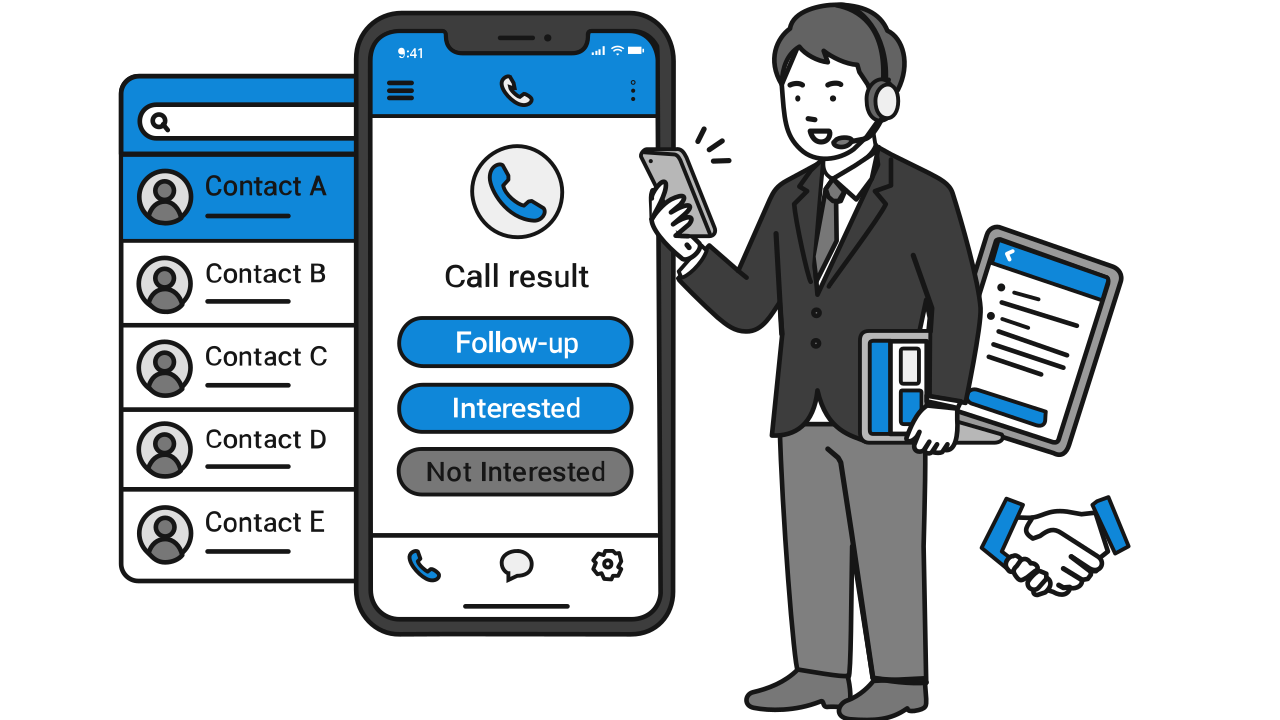
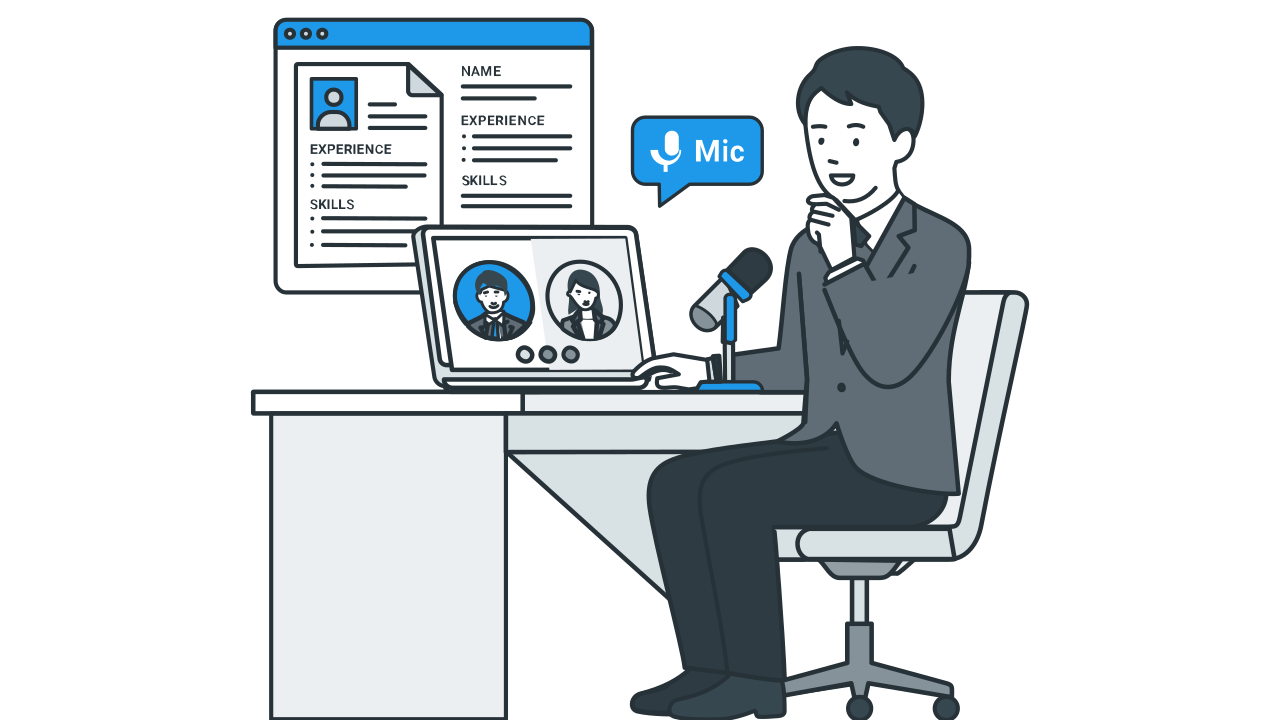
No — this is keypad (DTMF) interaction: the system plays a pre-recorded or text-to-speech message, and the recipient responds by pressing a key (e.g., press 1 to confirm attendance, press 2 to decline). It doesn't support natural language conversation or improvisation. It's well suited for notification-type scenarios where the recipient is already expecting the call — appointment confirmations, payment reminders, satisfaction surveys — but not for telemarketing, sales, or cold outreach that requires real-time conversation.
Automated Outbound Calls
No engineer required, live in as fast as 7 days. Record a voice prompt, set up keypad options, and the system auto-dials your list — results write back in real time. Ideal for attendance confirmations, payment reminders, and satisfaction surveys.
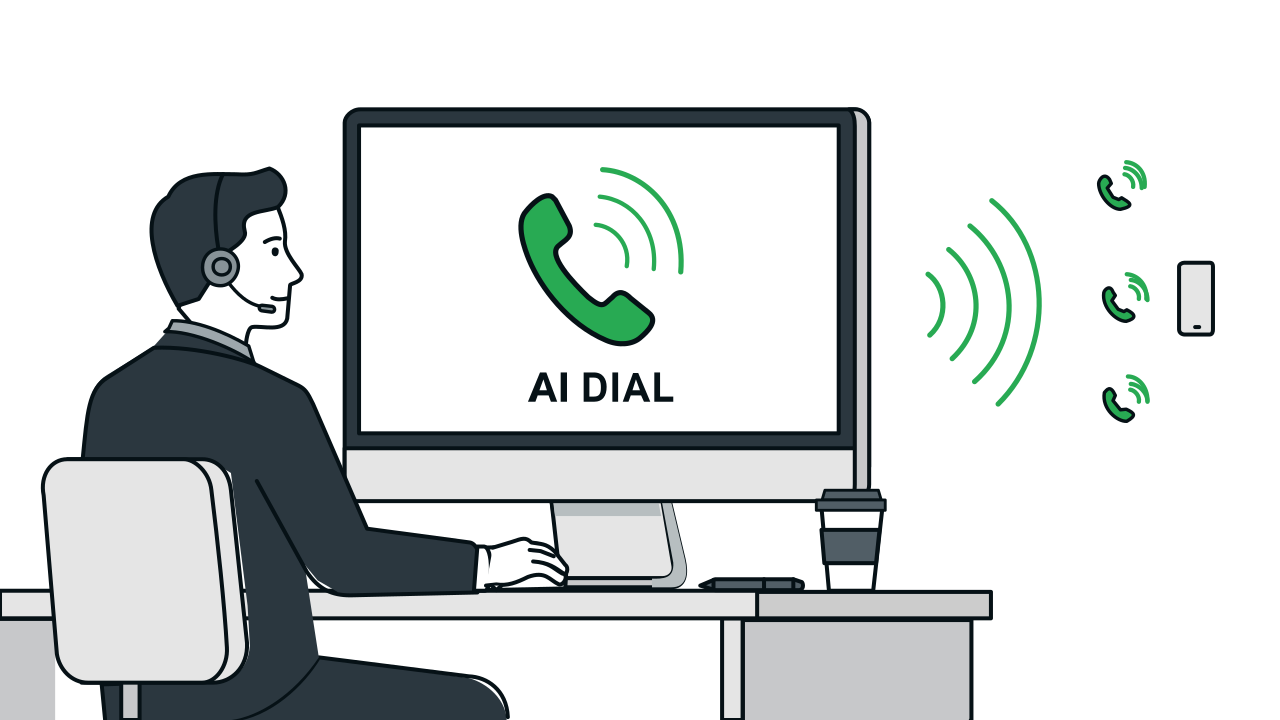
Automated Outbound Calls Workflow & Features
Step 1 / 12
FAQ
You'll need the 3CX AI Edition phone system. The call list is managed via Google Sheets by default, and all configuration and dialing happen through a cloud dashboard — no engineer required. CRM or other system integration is available as a paid add-on if you'd prefer a different list source.
If they answer but don't press a key, the system automatically repeats the prompt, then politely hangs up if there's still no response (wait time is adjustable, 8 seconds by default). If the call isn't answered, it's automatically added to the retry list and redialed according to your settings — customers who have already responded won't be contacted again.
Each call's answer status, keypad response, and dial time are written back to the call list in real time, giving you a complete record you can tally directly.
The dashboard requires your own account login, and the operations console is access-controlled and limited to the TS Cloud operations team. All data connections require authentication, and phone numbers in your list are never exposed externally. The system runs on Google Cloud, with voice files and keypad settings backed up in the cloud — nothing is lost during service updates or system restarts.